vLLM vs Ollama: Which One to Run for LLM Serving
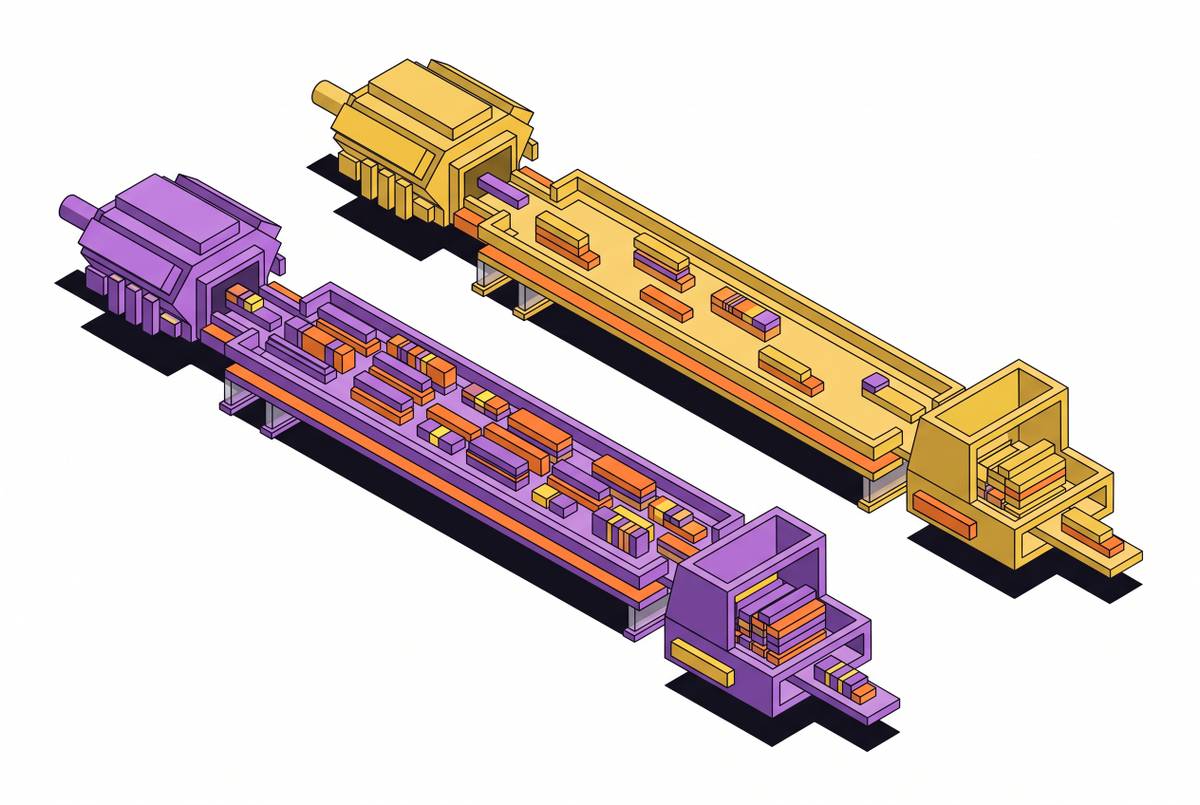
Ollama gets a model answering on one machine in minutes. vLLM is built to keep server GPUs busy under many requests at once. Which one fits depends on how many requests arrive together and what hardware they land on.
Runtime Review · Checked against both projects’ docs on
The short answer
- Choose vLLM when a model serves many concurrent users or services from Linux GPU servers, and throughput per GPU is what you pay for.
- Choose Ollama for one developer, a laptop or workstation, an internal tool with a handful of users, or a machine without enough VRAM to hold the whole model: it can split layers between GPU and system memory.
- Use both if it suits you: Ollama to try models locally, vLLM behind the production endpoint. Both expose an OpenAI-compatible API, so client code often moves across with a base-URL change. Check the endpoints and parameters you rely on.
vLLM vs Ollama at a glance
| Feature | vLLM | Ollama |
|---|---|---|
| Built for | High-throughput serving on GPU servers | Running models locally with one command |
| License | Apache 2.0 | MIT |
| Model format | Hugging Face checkpoints (safetensors), including quantized variants such as AWQ, GPTQ and FP8 | GGUF, pulled from the Ollama library or imported with a Modelfile |
| Batching | Continuous batching: requests join and leave the running batch at every decoding step | A fixed number of parallel slots per loaded model (OLLAMA_NUM_PARALLEL); the rest wait in a queue |
| KV cache | PagedAttention: fixed-size blocks allocated on demand from GPU memory reserved at startup | A context buffer per parallel slot; memory grows with OLLAMA_NUM_PARALLEL × context length |
| Default context | The model's own maximum, unless --max-model-len caps it | 4,096 tokens per Ollama's FAQ; raise it with OLLAMA_CONTEXT_LENGTH or num_ctx |
| Multi-GPU | Tensor and pipeline parallelism, including across nodes | One GPU if the model fits, otherwise spread across the GPUs in one machine |
| Short on VRAM | Built around weights and KV cache in GPU memory; offloading KV cache to CPU or disk goes through connectors such as LMCache | Splits layers between GPU and system RAM; ollama ps shows the split |
| Platforms | Linux servers, NVIDIA and AMD GPUs first; other accelerators in its install docs | macOS, Windows and Linux; Apple Silicon, NVIDIA and AMD GPUs, or CPU |
| API | OpenAI-compatible server started with vllm serve | Native REST API on port 11434, plus an OpenAI-compatible /v1 endpoint |
| Metrics | Prometheus metrics at /metrics | Server logs and ollama ps; check its docs for anything more |
Which to choose
Choose vLLM if
- More than a few requests arrive at the same moment, and latency under that load matters.
- You serve from Linux GPU servers (in Docker, the
vllm/vllm-openaiimage) and want the most tokens per second out of each one. - The model is too large for one GPU and needs tensor or pipeline parallelism, or several nodes.
- Many requests share a long system prompt or document, so prefix caching saves real prefill work.
- You need long contexts at high concurrency and want to tune KV cache precision, block allocation and offloading.
Choose Ollama if
- One person, or a small team, is the only client.
- The machine is a Mac, a Windows desktop or a workstation without datacenter GPUs.
- The model does not fit in VRAM and slower GPU+CPU inference beats not running it at all.
- You want to switch between many models quickly:
ollama pull,ollama run, and idle models unload on their own. - Setup time matters more than throughput: a prototype, a demo, an offline or air-gapped laptop.
Why the gap opens up under load
With one request in flight, both engines spend most of each decoding step reading weights from memory, and the difference between them can be small. The gap is in what happens when ten, fifty or two hundred requests arrive together.
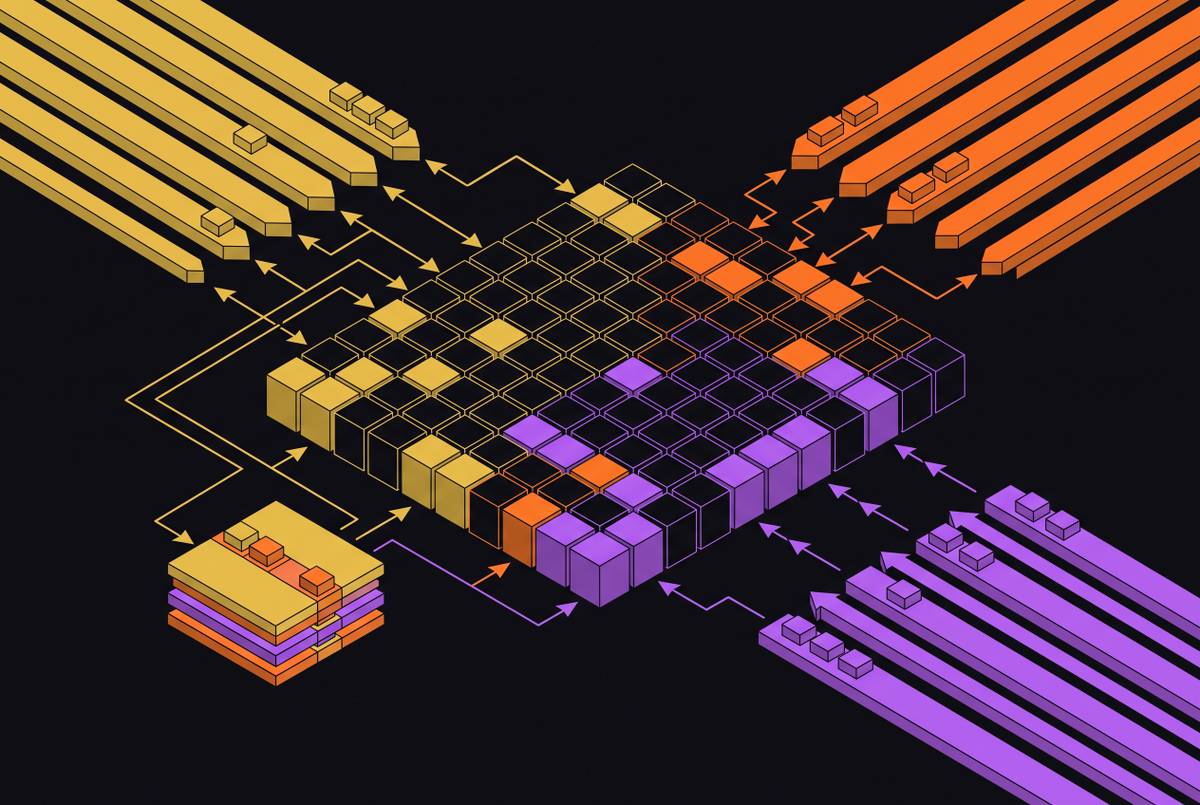
vLLM schedules at the level of a single decoding step. A new request joins the running batch as soon as there is room in the KV cache, and a finished one leaves without waiting for the rest, so the GPU's matrix units get more work per weight read as concurrency rises. Our comparison of continuous and in-flight batching covers the scheduling in depth.
Ollama gives each loaded model a fixed number of parallel slots. Its FAQ lists OLLAMA_NUM_PARALLEL as defaulting to 1, so out of the box a second request waits for the first to finish. Raising it lets requests share the model, but every slot reserves its own context, and requests beyond the slots still queue.
How wide the gap is depends on the model, its quantization, the GPU and the mix of prompt and output lengths. Published benchmarks rarely match your traffic, so measure it on your own (see the method below).
Memory: where each one keeps the KV cache
vLLM reserves a share of GPU memory when it starts, set by --gpu-memory-utilization, loads the weights, and turns what is left into a pool of KV cache blocks. PagedAttention hands out blocks as sequences grow, so memory is not held for tokens a request never produces. The pool's size, not the number of requests, sets how many sequences run at once; PagedAttention under concurrent load shows how precision changes that number. --max-model-len caps context length and --kv-cache-dtype fp8 halves KV cache size on GPUs that support it.
Ollama sizes the cache from the context length and the number of parallel slots. Its FAQ is explicit that required memory scales with OLLAMA_NUM_PARALLEL × OLLAMA_CONTEXT_LENGTH, so doubling either doubles the cache. OLLAMA_KV_CACHE_TYPE set to q8_0 or q4_0 quantizes the cache (flash attention must be on), at some cost in quality on long contexts. The same trade-off in llama.cpp, which Ollama's GGUF runtime comes from, is measured in llama.cpp KV cache quantization.
Model formats and quantization
vLLM loads Hugging Face checkpoints: BF16 or FP16 weights, or checkpoints quantized with methods such as AWQ, GPTQ and FP8. Its docs describe GGUF loading as experimental, so for production serving use the Hugging Face checkpoint.
Ollama runs GGUF files, mostly pulled by name from its library. A tag like llama3.1:8b is a specific quantized build, not necessarily the BF16 weights a vLLM deployment loads. Check the quantization on the tag's library page before you compare quality or speed across the two.
Scaling past one GPU
vLLM splits a model across GPUs with --tensor-parallel-size, and across nodes with --pipeline-parallel-size, and runs copies side by side with data parallelism. That is how 70B-class and larger models are served at production context lengths; see tensor parallelism degree selection for choosing the split.
Ollama works on a single host. Per its FAQ, a model that fits on one GPU is loaded on that GPU, and one that doesn't is spread across all available GPUs in the machine. More capacity means more Ollama servers behind a load balancer, each holding a whole copy of the model.
Running it as a service
A few Ollama defaults are built for a desktop and need changing on a server:
- Idle models unload after 5 minutes, so the next request pays the load time again. Set
OLLAMA_KEEP_ALIVE(orkeep_aliveper request) to keep a model resident. - The server binds to 127.0.0.1:11434. Set
OLLAMA_HOSTto expose it, and put authentication in front, in a reverse proxy for example. - Requests beyond
OLLAMA_MAX_QUEUE(512 per its FAQ) are rejected with a 503. Size it, and the slot count, for your peak. - vLLM loads one model per server process and holds it for the life of the process. Plan one deployment per model, and watch queue depth, KV cache usage and token latency through its Prometheus
/metricsendpoint.
How to compare them fairly on your hardware
Most vLLM vs Ollama numbers online compare different things: a 4-bit GGUF against BF16 weights, a 4K context against 32K, one parallel slot against a full batch. To get a number you can act on:
- Use the same weights at the same precision, or at least record the quantization of each side.
- Fix the context length on both:
--max-model-lenfor vLLM,OLLAMA_CONTEXT_LENGTHfor Ollama. - Set
OLLAMA_NUM_PARALLELto the concurrency you test, or Ollama's numbers measure its queue. - Replay your real prompt and output length mix, and sweep concurrency from 1 upward.
- Record time to first token, inter-token latency and total output tokens per second at each step; measuring TTFT and inter-token latency under load explains why the first two move differently.
- Point the same load generator at both OpenAI-compatible endpoints. vLLM's own
vllm bench serveworks against any OpenAI-compatible server; check its options for your version.
Moving a workload from Ollama to vLLM
Teams usually move when the queue starts to show up in latency. The parts that change:
- Weights: swap the GGUF tag for the model's Hugging Face checkpoint, or a quantized build of it in a format vLLM loads.
- Prompt format: vLLM applies the chat template shipped with the checkpoint, while Ollama uses the template in its Modelfile. Compare outputs on a few prompts before switching traffic.
- API: move clients to the OpenAI-compatible routes if they call Ollama's native
/api/chator/api/generate. - Capacity: size the GPU for weights plus the KV cache your concurrency and context length need, rather than for the weights alone.
Questions people ask
Is vLLM faster than Ollama?
Under concurrent load, vLLM is built to deliver more total throughput per GPU through continuous batching and paged KV cache memory. For a single request on the same GPU at the same precision, the difference can be small. Benchmark both with your own model, precision and traffic before deciding.
Can Ollama be used in production?
For low-concurrency internal tools, yes, provided you change the desktop defaults: keep models loaded, raise parallel slots to match your load, size the queue, and put authentication in front of the API. For public or high-concurrency endpoints, a serving engine with continuous batching such as vLLM is the usual choice.
Does vLLM run on a Mac?
vLLM's GPU serving path targets Linux servers; check its installation docs for the current state of CPU and Apple Silicon support. For running a model on a Mac, Ollama is the simpler option.
Can vLLM load the same models as Ollama?
Usually the same model families, but in a different format. Ollama runs GGUF builds; vLLM loads Hugging Face checkpoints and documents its GGUF support as experimental. Use the original checkpoint, or a quantization vLLM supports, when you move a model across.
What about SGLang, llama.cpp or TensorRT-LLM?
SGLang and TensorRT-LLM compete with vLLM for server workloads; see SGLang vs vLLM under long-context request mixes. llama.cpp is the GGUF runtime Ollama grew out of, and suits the same local and edge cases.